Blog
Software de Propuestas para Techos: Cómo XBuild Te Permite Cerrar el Trato Antes de Bajar del Techo.
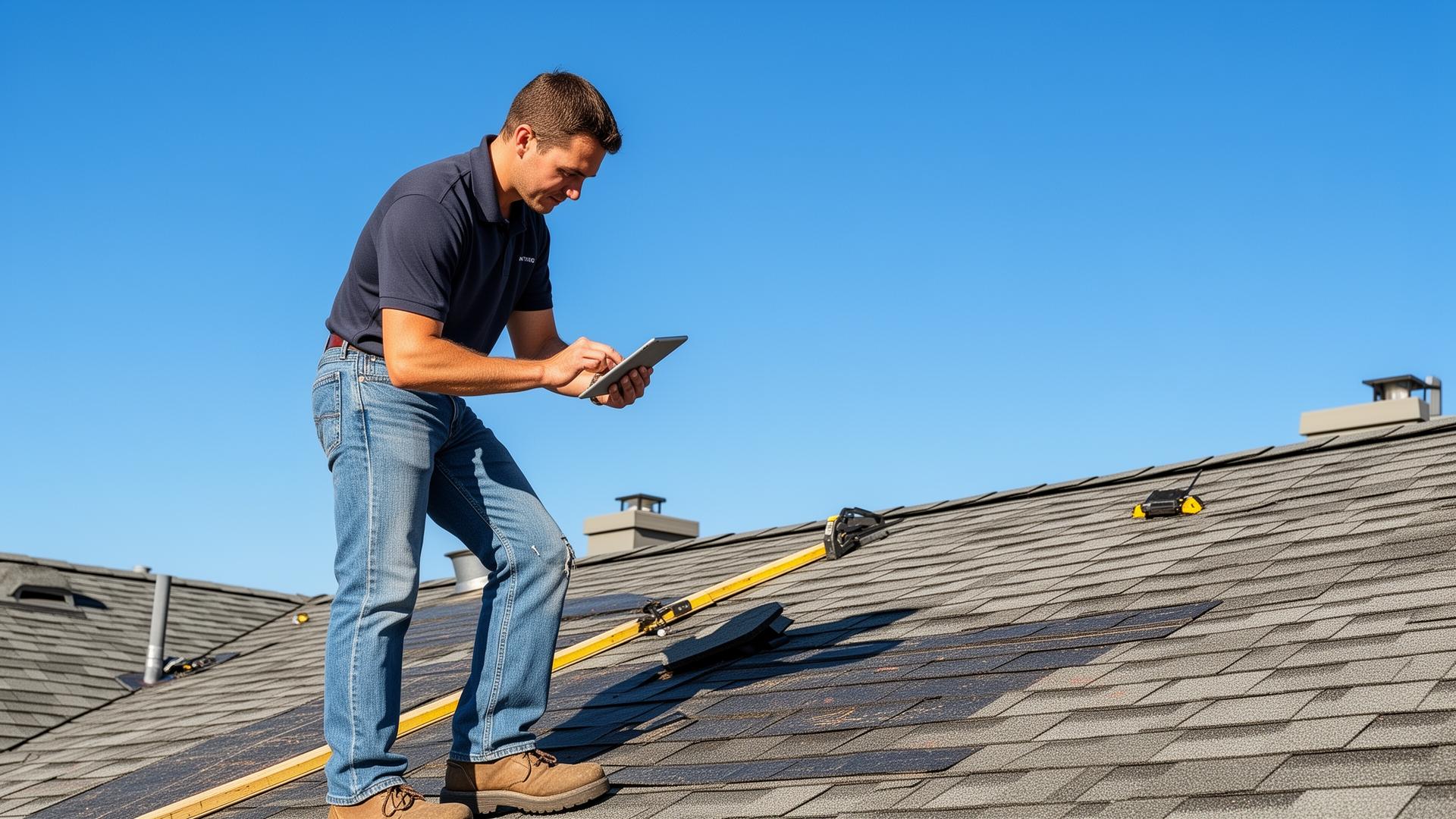
Imagina terminar una inspección de techo, enviar una propuesta profesional al propietario y obtener un contrato firmado — todo antes de bajar del techo. Eso es lo que los contratistas de techos hacen todos los días con XBuild.
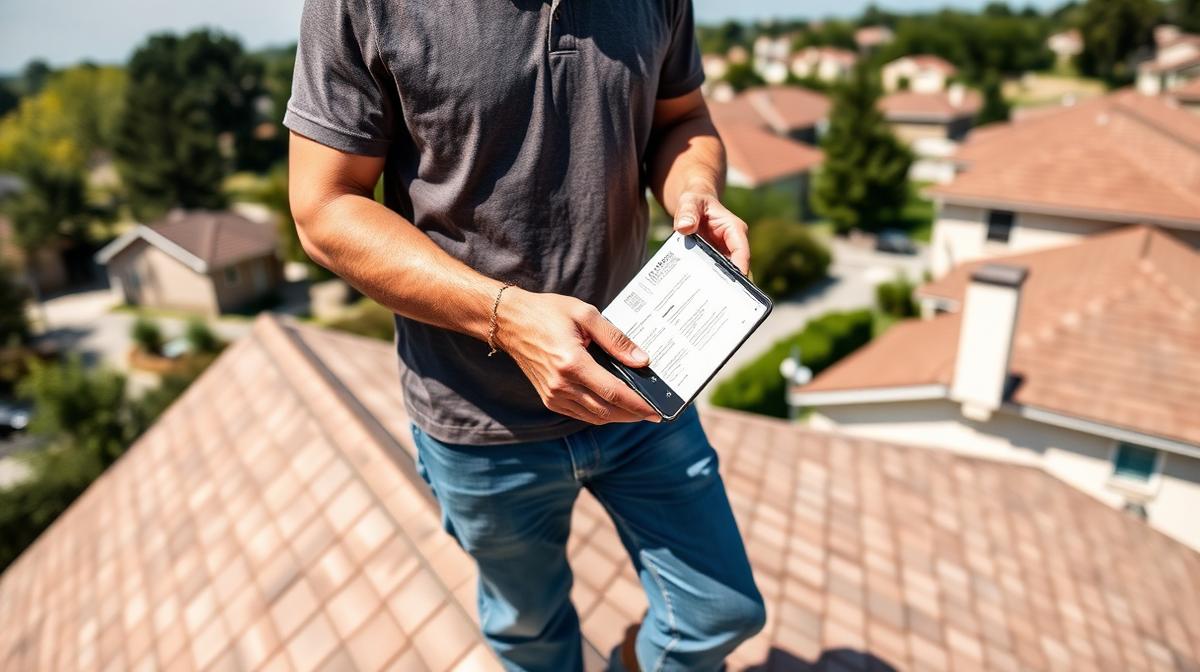
Imagine finishing a roof inspection, sending a professional proposal to the homeowner, and getting a signed contract — all before you climb down from the roof.
That's not a fantasy. That's what roofing contractors are doing every day with XBuild.
If you've been searching for roofing proposal software, this guide will show you exactly what the right tool looks like, what to expect from it, and why XBuild is the one that's changing how roofing contractors win jobs.
What Is Roofing Proposal Software?
Roofing proposal software is a digital tool that helps roofing contractors create, send, and manage job proposals quickly and professionally. But not all roofing proposal software is created equal.
The old generation of proposal tools still required contractors to manually enter measurements, look up material costs, build out line items, and piece together a quote back at the office. That process could take hours — and by the time the proposal landed in the homeowner's inbox, they had already called someone else.
XBuild is a completely different kind of roofing proposal software. It uses AI to do the heavy lifting for you, so you can go from roof inspection to signed proposal in the time it used to take just to drive home.
The Old Way Is Costing You Jobs.
Here's what the traditional roofing proposal process looks like for most contractors:
You spend time on the roof assessing the damage or scope of work. You take notes, maybe snap some photos. Then you drive home, sit down at your desk, open a spreadsheet or Word document, manually calculate everything, put together a quote, format it, and email it over — hoping the homeowner is still interested by the time they open it the next morning.
That entire process has a massive problem: time kills deals.
Homeowners don't wait. They're getting quotes from two or three contractors at the same time. The first professional proposal they receive is usually the one they sign. While you're at home building your quote, a competitor using smarter software already has a signed contract sitting in their inbox.
The contractors who win consistently aren't always the best roofers. They're the fastest and most professional ones.
How XBuild Changes Everything With AI.
Here is how XBuild's roofing proposal workflow runs, from inspection to signature.
With XBuild, you start the estimate from the inspection itself. Take photos in the XBuild app or upload a measurement report from EagleView, GAF QuickScope, Hover or Roofr, then apply your own shingle packages and pricing. XBuild is designed to help you build a detailed draft estimate and proposal, including Good/Better/Best options, in a workflow meant to take minutes.
From there, you can review the draft and send it from your phone while you're still on site.
Here's What That Looks Like in Practice:
You finish your roof inspection and take photos in the XBuild app, or upload a measurement report. XBuild combines those inputs with your shingle packages and pricing to build a draft estimate and branded proposal. You confirm the job details, quantities, labor and pricing, then send it. The homeowner can review the proposal on their phone and sign it digitally.
That's not just fast. That's a completely different way of doing business.
Why Speed and Professionalism Win Roofing Jobs.
When a homeowner receives a professional proposal within minutes of your inspection, it sends a powerful message:
You are organized. You are efficient. You run a professional operation. And if this is how you handle the proposal process, imagine how well you'll handle their roof.
Contrast that with the contractor who emails a PDF two days later. Even if that contractor is a better roofer, the homeowner has already made a judgment call based on first impressions.
XBuild helps you make a strong first impression.
What Makes XBuild the Best Roofing Proposal Software.
✅ AI-Powered Estimates in Minutes
Start from inspection photos or a measurement report instead of working up every number by hand. XBuild applies your shingle packages and pricing to help calculate materials, labor and costs, so less of your time goes to manual calculations. You can draft an estimate, then check the details before you send it.
✅ Professional Proposals Generated Instantly
XBuild turns your estimate into a branded proposal with Good/Better/Best options, so homeowners can compare packages and choose the one that fits. Because the proposal is built from your estimate, you aren't starting the document from scratch, and you can look it over before it goes to the client. Your proposal can look clean and professional.
✅ Send Before You Leave the Roof
Because XBuild works right from your phone, you can generate and send a proposal while you're still on site. The homeowner gets it almost instantly — while you're still standing in their driveway, while the job is fresh in their mind, and while their buying intent is at its highest.
✅ Homeowners Can Review and Sign on the Spot
XBuild proposals include digital signatures, meaning your client can review the proposal and sign the contract right from their phone — before you even leave. No printing, no scanning, no waiting days for a decision. You could walk away from an inspection with a signed job in hand.
✅ Review Every Estimate
Manual estimating can lead to errors: a missed line item, a material miscalculation, or an underpriced job. XBuild drafts proposals from photos or measurement reports and your pricing. Review job details, quantities, labor and pricing before you send to help protect your margins and reputation.
✅ Everything Managed in One Place
From the first lead to the final invoice, XBuild keeps your entire business organized. Proposals, signed contracts, job details, and billing — all in one platform, accessible from your phone at any time.
The Real-World Difference XBuild Makes.
Two roofing contractors inspect the same roof on the same day.
Contractor A finishes the inspection, drives home, spends ninety minutes manually building a quote, and emails a PDF the next morning.
Contractor B uses XBuild. During the inspection, they take photos in the app or upload a measurement report, and XBuild builds a draft using their own shingle packages and pricing. They check the quantities and numbers, then send the proposal from their phone while still on site. The homeowner can open it on their phone, compare the options and sign digitally.
Contractor A is still at home building their quote when the job is already gone.
This example is illustrative. XBuild is built to help you work like Contractor B.
How XBuild Helps You Grow Your Roofing Business.
The impact of closing deals faster compounds over time:
- Higher close rates. When homeowners receive a professional proposal instantly, they're far more likely to sign before shopping around.
- More jobs in less time. AI-generated estimates mean you can handle more inspections and proposals in a single day without burning out on admin work.
- Bigger average job value. Accurate estimates protect your margins, and professional proposals give clients confidence to choose premium options.
- Stronger reputation. A clear, professional proposal process can leave a good impression, and satisfied clients may refer you.
- Less time in the office. The hours you used to spend building proposals manually can now go back into your business — or your personal life.
What to Look For in Roofing Proposal Software.
If you're evaluating your options, here's what every roofing contractor should require from their proposal software:
- AI-powered estimating — Manual estimating is slow and error-prone. Look for software that uses AI to generate accurate estimates from a simple prompt.
- Mobile-first design — You need to create and send proposals from the roof, not from a desk.
- Instant proposal generation — Your software should turn an estimate into a professional proposal automatically, with no extra formatting work.
- Digital signatures — Clients should be able to sign on their phone the moment they receive the proposal.
- Proposal tracking — Know when your proposal is opened so you can follow up at exactly the right moment.
- Clean professional output — Your proposal should reflect the quality of your work, with your branding front and center.
XBuild was built to meet every one of these requirements from the ground up.
Final Thoughts: The Best Roofing Proposal Software for Contractors.
If you're looking for roofing proposal software that actually moves the needle for your business, the answer is XBuild.
It's not just about sending better-looking proposals. It's about completely transforming the speed and professionalism of your sales process — using AI to generate accurate estimates and polished proposals in minutes, sending them before you leave the job site, and giving homeowners the ability to sign on the spot.
The roofing contractors winning the most jobs right now aren't working harder. They're working smarter — with tools like XBuild that give them an unfair advantage at every step of the sales process.
Stop losing jobs to slower, less professional competitors. Try XBuild today.
Frequently Asked Questions About Roofing Proposal Software.
What is the best roofing proposal software for roofing contractors?
Look for software that works from job-site photos or measurement reports, applies your own pricing, delivers mobile-friendly proposals, and supports digital signatures. XBuild builds Good/Better/Best proposals from photos or EagleView, GAF QuickScope, Hover or Roofr reports using your shingle packages and pricing; homeowners review and sign on their phones.
How fast can I send a roofing proposal with XBuild?
XBuild is designed to build Good/Better/Best proposals in minutes from job-site photos or an uploaded measurement report, using your own shingle packages and pricing. Actual time varies by job. Before sending, review job details, quantities, labor and pricing.
Can homeowners sign roofing proposals digitally?
Yes. XBuild proposals include digital signatures so homeowners can review and sign directly from their phone the moment they receive the proposal.
Does XBuild use AI for roofing estimates?
Yes. XBuild uses photos taken in the XBuild app or uploaded EagleView, GAF QuickScope, Hover or Roofr reports, along with your shingle packages and pricing, to draft Good/Better/Best estimates and proposals for you to review.
Can I use roofing proposal software on my phone?
Absolutely. XBuild is fully mobile, meaning you can generate estimates, create proposals, and send them to clients all from your phone while still on the job site.