Blog
One Platform, 10+ Trades: How XBuild Works for Every Contractor.
XBuild isn't just for roofers. See how AI-powered estimating works across roofing, painting, concrete, siding, HVAC, plumbing, and more.
Not Just Another Roofing Tool.
Most estimating software in the construction industry is built for one trade — usually roofing. If you're a multi-trade contractor, or if you work in painting, concrete, HVAC, or any other specialty, you've probably struggled to find a tool that fits your workflow.
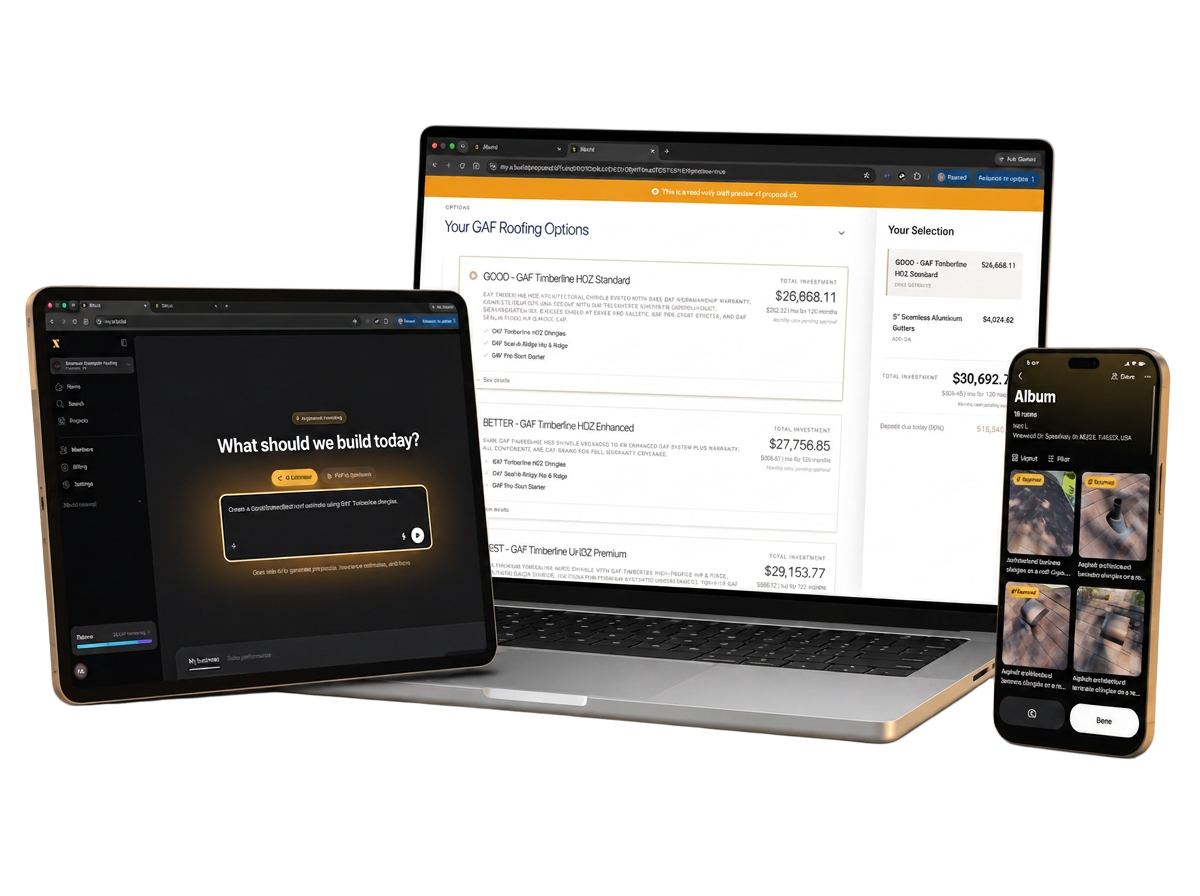
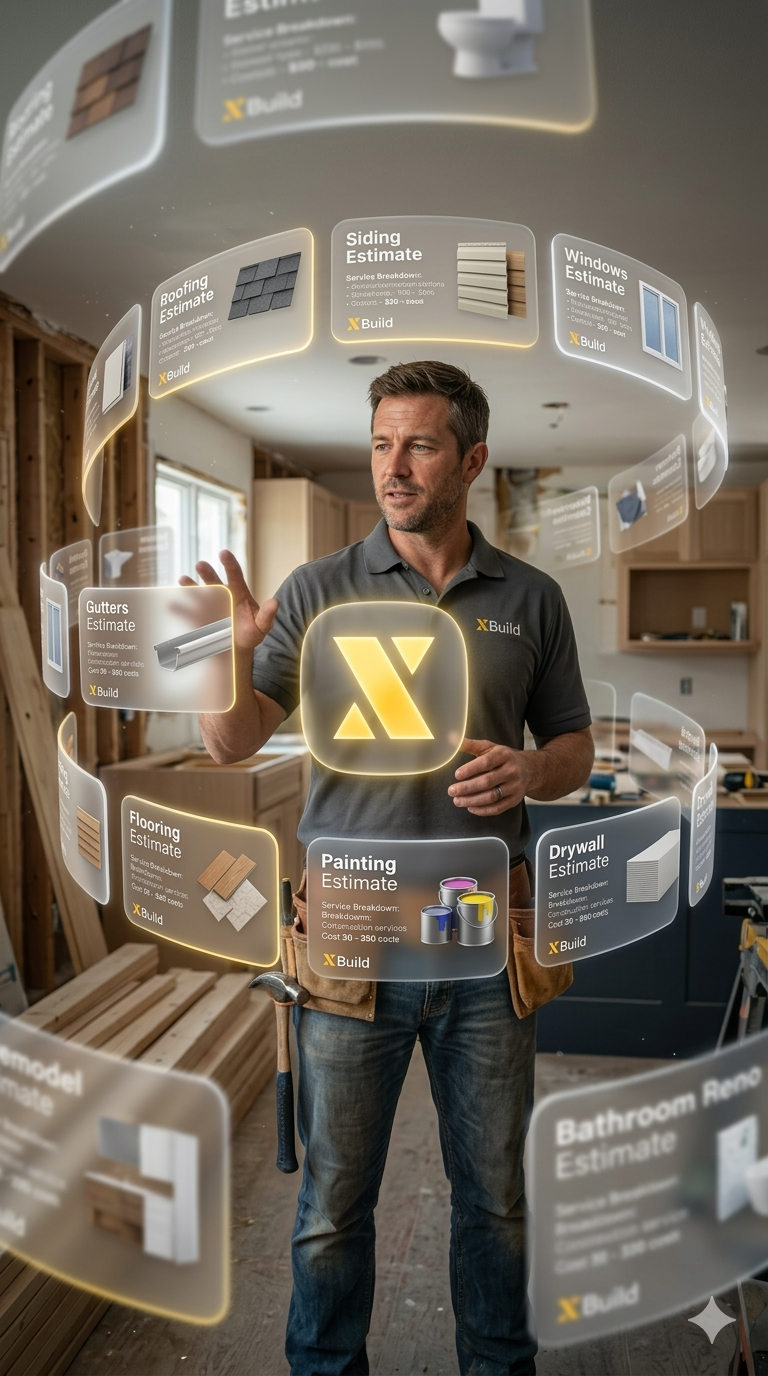
XBuild is different. It's an AI-powered estimating platform that works across 10+ construction trades from a single interface. No switching between tools. No trade-specific software licenses. One platform for everything.
Every Trade XBuild Supports.
Here's a breakdown of the trades XBuild supports and how AI estimating works for each:
🏠 Roofing.
The most common use case. XBuild handles:
- Metal roofing — standing seam, corrugated, metal shingle
- Flat roofing — TPO, EPDM, modified bitumen
- Tile roofing — clay, concrete, synthetic
- Insurance estimating — insurance-formatted reports with POD documentation
Upload a roof measurement report from EagleView, HOVER, or any source, describe the project, and get a complete estimate.
🎨 Painting.
Interior and exterior painting estimates in minutes:
- Exterior — siding, trim, decks, fences
- Commercial — offices, retail spaces, warehouses
- Automatic calculation of square footage, coats, and material quantities
🧱 Concrete.
Flatwork and structural concrete estimating:
- Foundations — footings, slabs, stem walls
- Sidewalks and curbs — residential and commercial
- Automatic volume calculations and rebar quantities
🏗️ Siding.
All siding types supported:
- Fiber cement — James Hardie and similar
- Wood siding — cedar, redwood, engineered wood
- Stone and brick veneer — natural and manufactured
❄️ HVAC.
Heating, ventilation, and air conditioning:
- New installations — ductwork, equipment, controls
- Commercial HVAC — rooftop units, split systems
- Proper tonnage and BTU calculations
🔧 Plumbing.
Residential and commercial plumbing:
- New construction — rough-in and finish plumbing
- Remodels — kitchen and bathroom re-pipes
- Water and sewer lines — repair and replacement
🪟 Windows & Doors.
Replacement and new construction:
- Door installations — entry, patio, sliding, French
- Commercial storefront — glass and framing systems
- Automatic unit counts and sizing
🧤 Insulation.
All insulation types:
- Spray foam — open cell and closed cell
- Batt insulation — fiberglass and mineral wool
- Rigid board — foundation and exterior wall
- Proper R-value calculations by climate zone
🌿 Landscaping.
Hardscaping and softscaping:
- Irrigation — sprinkler systems, drip irrigation
- Landscape design — plantings, grading, drainage
- Fencing — wood, vinyl, chain link, ornamental
🪟 Glass & Glazing.
Commercial and residential glass work:
- Curtain walls — structural glass systems
- Shower enclosures — frameless and semi-frameless
- Mirror installations — residential and commercial
Why Multi-Trade Matters.
If you're a general contractor or a company that offers multiple services, using separate software for each trade is inefficient and expensive. With XBuild:
- One proposal format that looks professional across every trade
- One team leaderboard that tracks performance across all services
- Consistent pricing with real-time supplier data
How It Works Across All Trades.
The AI estimating process is the same regardless of trade:
- Upload measurements — photos, reports, or plans
- Describe the project — "paint the interior of a 2,500 sq ft home" or "replace 30 squares of shingle roofing"
- Review the estimate — the AI generates materials, labor, and pricing
- Create a proposal — branded proposal with Good/Better/Best options
- Close the deal — e-sign and payment collection built in
Real-Time Supplier Pricing Across Trades.
XBuild integrates with ABC Supply, SRS, and QXO for real-time material pricing. This means your estimates always reflect current market pricing — no more outdated price books or manual price checks.
Getting Started.
Whether you're a roofing company looking to expand into painting, a general contractor offering 8 different services, or a specialty contractor in one trade — XBuild has you covered.
Create your free account and generate your first multi-trade estimate today.
The most successful contractors in 2026 won't be the ones with the most tools. They'll be the ones with the right tool — one platform that handles everything from estimate to signed deal, across every trade they offer.