Blog
How to Write Better Contractor Estimates with AI.
Stop leaving money on the table. Learn the exact prompting formula that helps roofing contractors, painters, flooring installers, and all trades generate accurate, line-item proposals in seconds with XBuild's AI estimator.

Every contractor has written a vague estimate. You're on-site, the homeowner wants a number fast, and you fire off something rough. Maybe you win the job. More likely, you win it at the wrong margin — or lose it to someone who looked more prepared. XBuild's AI Estimator is built to fix that, for roofers, painters, flooring installers, decking crews, and every other trade. But it's only as good as what you feed it. This guide shows you exactly how to use it.
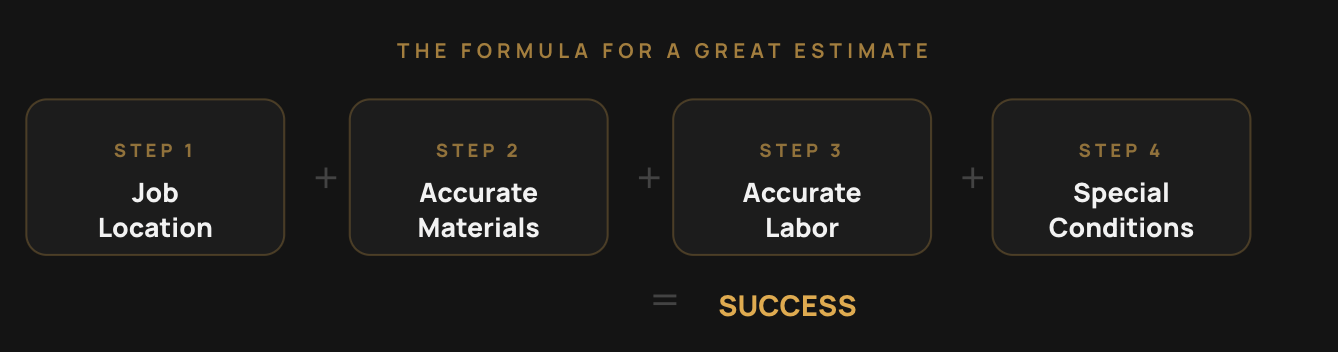
The Formula That Works for Every Trade.
Regardless of whether you're writing a roofing estimate, a painting proposal, or a flooring bid, accurate estimates always come from the same four inputs: job location, material costs, labor rates, and special conditions. Give the AI all four and it builds you something you can send today. Skip one and you'll end up rebuilding the output anyway.
Location matters more than most contractors realise. Material pricing and local labor rates vary significantly by region — a job in Chicago prices differently than one in Phoenix. Entering a full address lets the AI automatically calibrate both.
"The more detail you give the AI, the better your estimate. The more specific you are, the more money you protect."
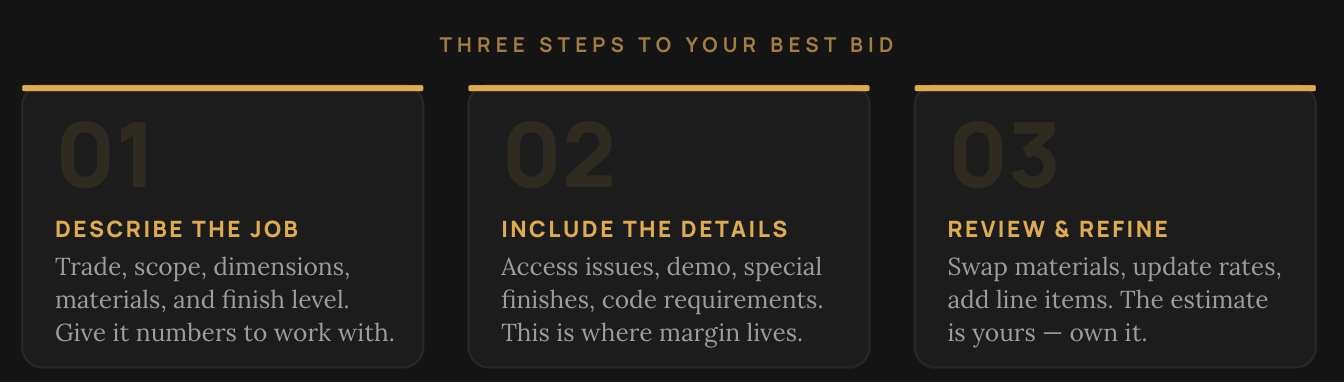
Vague Prompts Are Costing You Jobs.
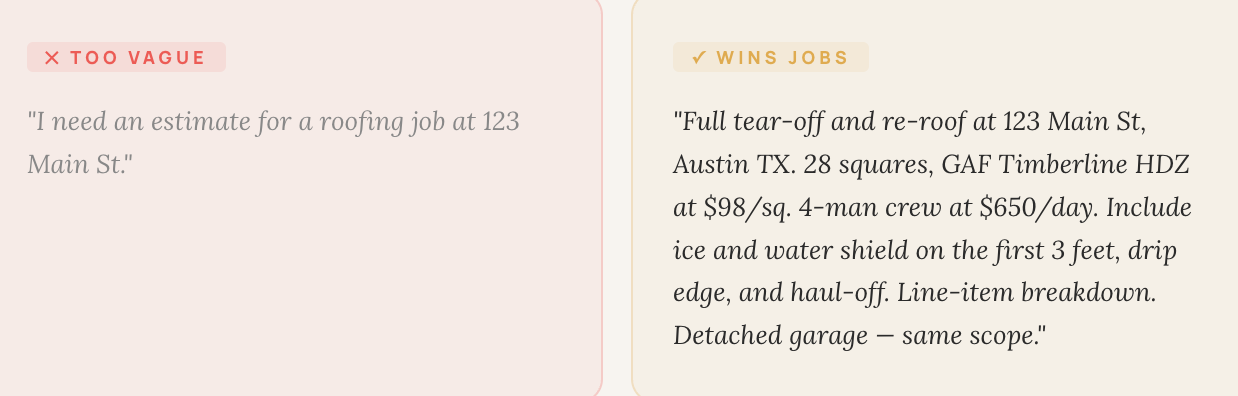
Most contractors who struggle with estimating software aren't struggling with the tool — they're struggling with the input. Here's the exact difference a detailed prompt makes:
Too vague: "I need an estimate for a roofing job at 123 Main St."
Wins jobs: "Full tear-off and re-roof at 123 Main St, Austin TX. 28 squares, GAF Timberline HDZ at $98/sq. 4-man crew at $650/day. Include ice and water shield on the first 3 feet, drip edge, and haul-off. Line-item breakdown. Detached garage — same scope."
The first prompt produces a ballpark you'd need to rebuild. The second produces a proposal you can send within the hour. The difference isn't the software — it's what you put in.
The Five Ingredients of Every Great Prompt.
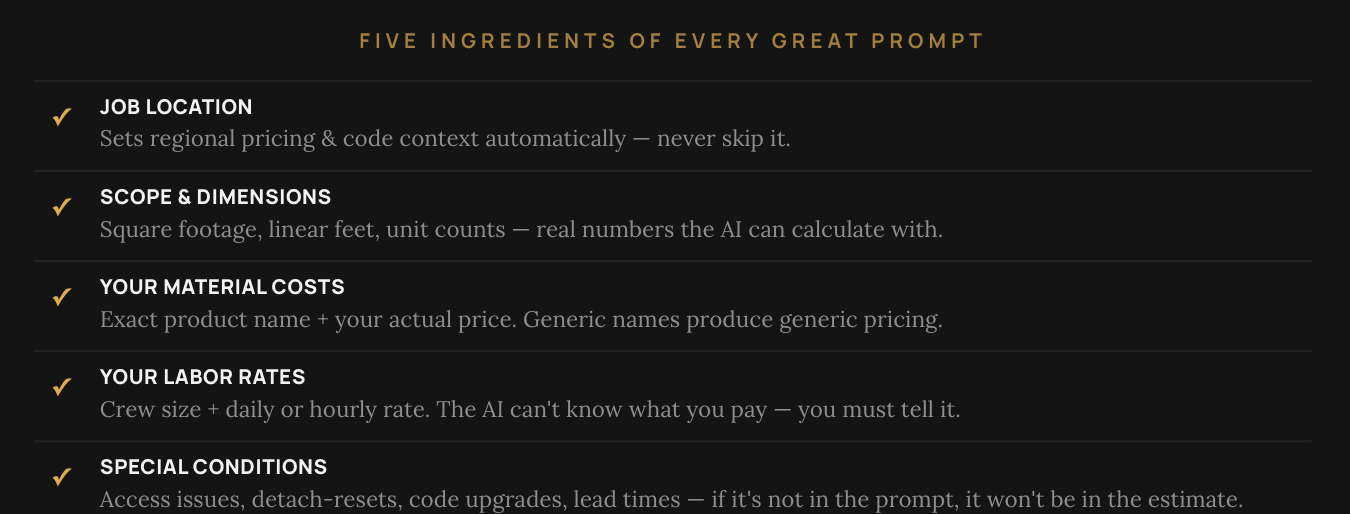
No matter the trade, every accurate estimate requires the same five inputs. Think of these as your pre-flight checklist before you submit any prompt to the AI estimator.
1. Job Location.
A full address anchors the estimate to real regional pricing. Material costs and labor rates vary significantly by market. Without this, the AI is guessing at numbers that should be precise.
2. Scope & Dimensions.
Square footage, linear feet, unit counts — give the AI numbers it can calculate from, not descriptions like "medium-sized kitchen." Precision here flows through every line item downstream.
3. Your Material Costs.
Name the exact product and your actual cost per unit. "Composite decking" or "premium shingles" tells the AI nothing useful. "GAF Timberline HDZ at $98/square" gives it everything it needs.
4. Your Labor Rates.
The AI has no access to your payroll. Tell it your crew size and your daily or hourly rate. This is the single most common thing contractors forget — and it's the variable that most affects your margin.
5. Special Conditions.
Access issues, detach-and-reset items, code upgrades, multi-phase work, specialty lead times — anything that adds labor time or materials needs its own line item. This is where most contractors quietly eat cost.
Four Habits That Win More Jobs.
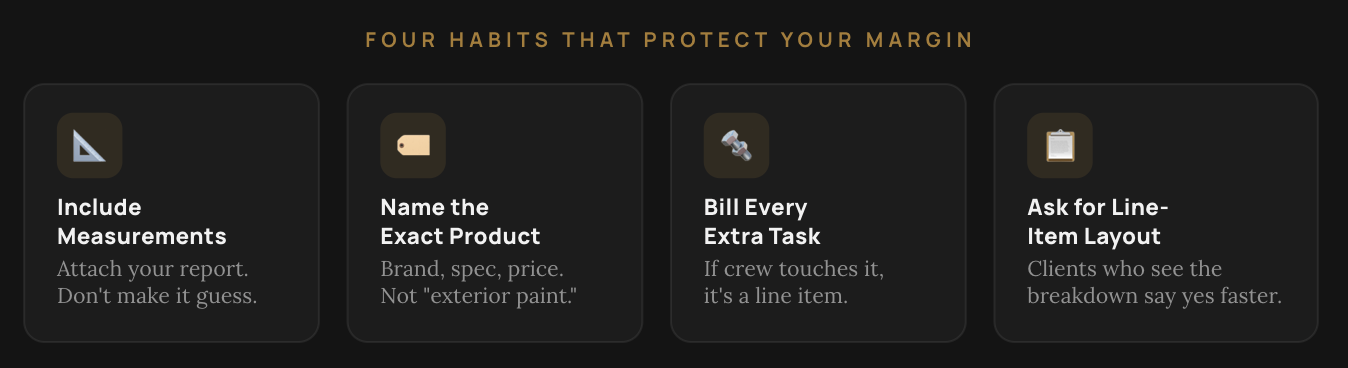
Always include measurements. The AI can't pull square footage from a street address. Attach your HOVER report, EagleView data, or your own measured dimensions. Accuracy starts here and flows into every quantity calculation that follows.
Be specific about materials. "Composite decking," "LVP," and "exterior paint" are all too vague to price accurately. Name the exact product, the spec, and your actual cost per unit. Specificity is what separates a real roofing estimate from a placeholder number.
Bill for every extra task. Furniture moves, detach-and-resets, door removal, demo haul-off, air sealing — if your crew touches it, it needs its own line item. This is the most common place contractors quietly absorb cost and erode their margin.
Ask for a line-item layout. When clients can see a clear breakdown of prep, materials, and labor, they approve faster and push back less. Always request a broken-out format. It looks more professional and it closes faster.
Works for Every Trade You Run.
XBuild's AI estimator is built for residential contractors across all trades. The same formula applies to every job — swap in your specific materials, dimensions, and labor rates, and the AI handles the rest.
- Painting
- Flooring
- Decking
- HVAC
- Masonry
- Siding
- Tiling
- Drywall
- Insulation
Trade-specific quick-start guides are available for each vertical if you want a deeper walkthrough tailored to your work — including example prompts, prompt anatomy breakdowns, and pro tips from contractors in the field.
Ready to Build a Better Bid?
Open XBuild's AI Estimator, follow the formula, and generate your next proposal in minutes — not hours. Talk to Sales.