Close the Job Before You Leave the Driveway: XBuild is Now on Your Phone

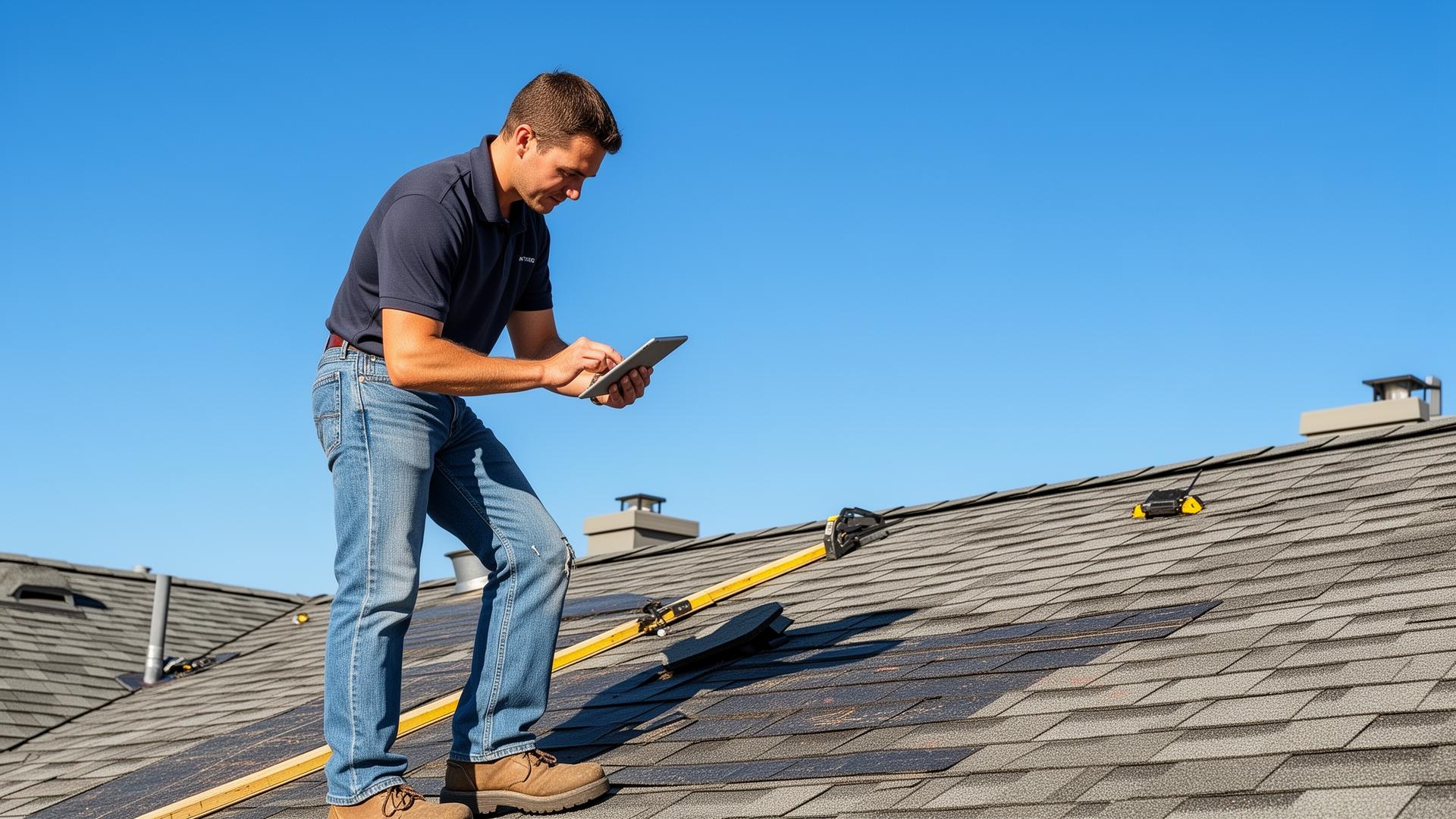
You've felt this before. You wrap up an inspection, tell the homeowner you'll "get them a quote in a couple days," and drive off. Two days later, you send the proposal. By then, they've already got two other bids sitting in their inbox, and one of those contractors moved faster than you did.
That gap between "inspection" and "signed job" is where deals go to die. So we closed it.
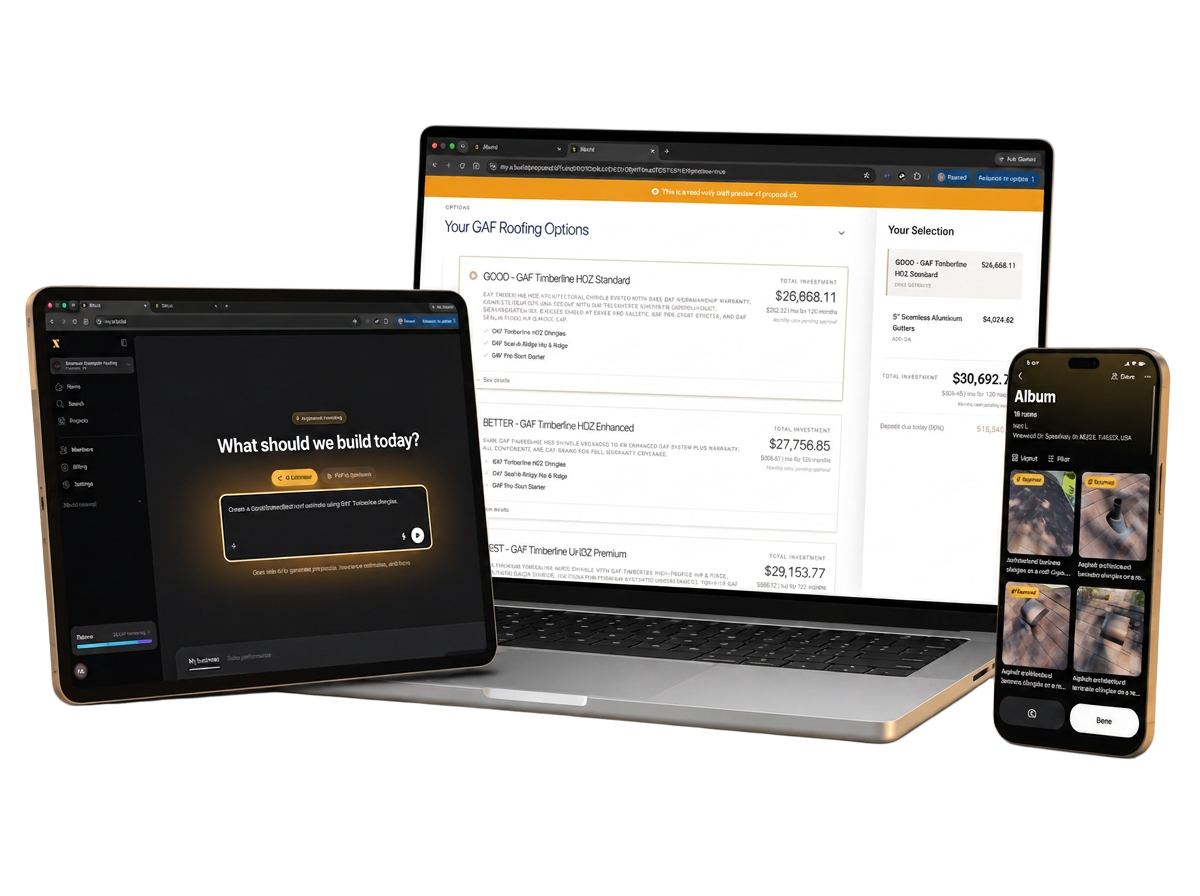
XBuild is now available on iOS and Android, bringing the full power of the platform (inspections, AI-powered quoting, and payment collection) into a single app you can run from the roof, the driveway, or the kitchen table.
What You Can Do On-Site, Before You Leave
📸 Capture and organize job photos. Take photos directly inside XBuild, automatically attached to the job. No more digging through your camera roll trying to remember which shingles belonged to which address.
⚡ Build a proposal with AI, in minutes. Turn those photos into a complete Good/Better/Best proposal on the spot. Scope, line items, and pricing are generated automatically, so you're not doing mental math on a roof or waiting until you're back at a desk.
✍️ Get the signature and the deposit, right there. Once the homeowner picks their option, they sign and pay the deposit from their own phone. The job is closed before you've even packed up your ladder.
Why This Matters More Than Speed
Most contractors don't lose jobs on price. They lose jobs on timing. The homeowner isn't necessarily choosing the cheapest bid, they're choosing whoever shows up with a clear, professional proposal first. When you can present three tiered options and collect a signature and deposit while you're still standing in the driveway, you're not competing on price anymore. You're just not giving the homeowner a reason to keep shopping.
The Hidden Win: One App Instead of Four
Here's the part that doesn't show up in a demo but shows up on your P&L: most contractors are stitching together three or four separate tools to do what XBuild now does natively.
Think about what a typical inspection-to-close workflow requires without it:
- A separate quoting tool or spreadsheet to build the estimate back at the office
- An e-signature tool to get the proposal signed
- A payment processor bolted on somewhere to collect the deposit
Each one of those is its own subscription, its own login, its own place for data to get lost between steps. And every handoff between tools is a place where a job can stall. Photos that never make it into the estimate. A proposal that sits unsigned in an inbox. A deposit that doesn't get collected until the office follows up next week.
XBuild replaces that entire stack with one app. Photos, quoting, e-signature, and deposit collection all live in the same place, on the same job, in the same visit. That's not just a convenience. It's real savings on tool costs, and it removes every point where a deal can slip through the cracks between systems.
Built for Roofing and Exterior Trades
XBuild isn't a generic field service app with a proposal feature bolted on. It's purpose-built for roofing and exterior contractors, for both Proposals and Insurance Estimates, with AI-native proposal generation designed around how these jobs actually get scoped and sold.
Available Now
The app is available now, with more capabilities rolling out in the weeks ahead. If you're already on XBuild, download the app and get started. If you're not yet a subscriber, this is a good time to see what running your entire on-site workflow from one app can do for your close rate and your tech budget.
Close the job before you leave the driveway.
¿Listo para Probar XBuild?
Obtén tu primer presupuesto con IA en 15 minutos. Sin tarjeta de crédito requerida.
Prueba XBuild gratis