Todo Lo Que Necesitas Saber Sobre XBuild: Tu Socio de Presupuestos
❓ What is XBuild?
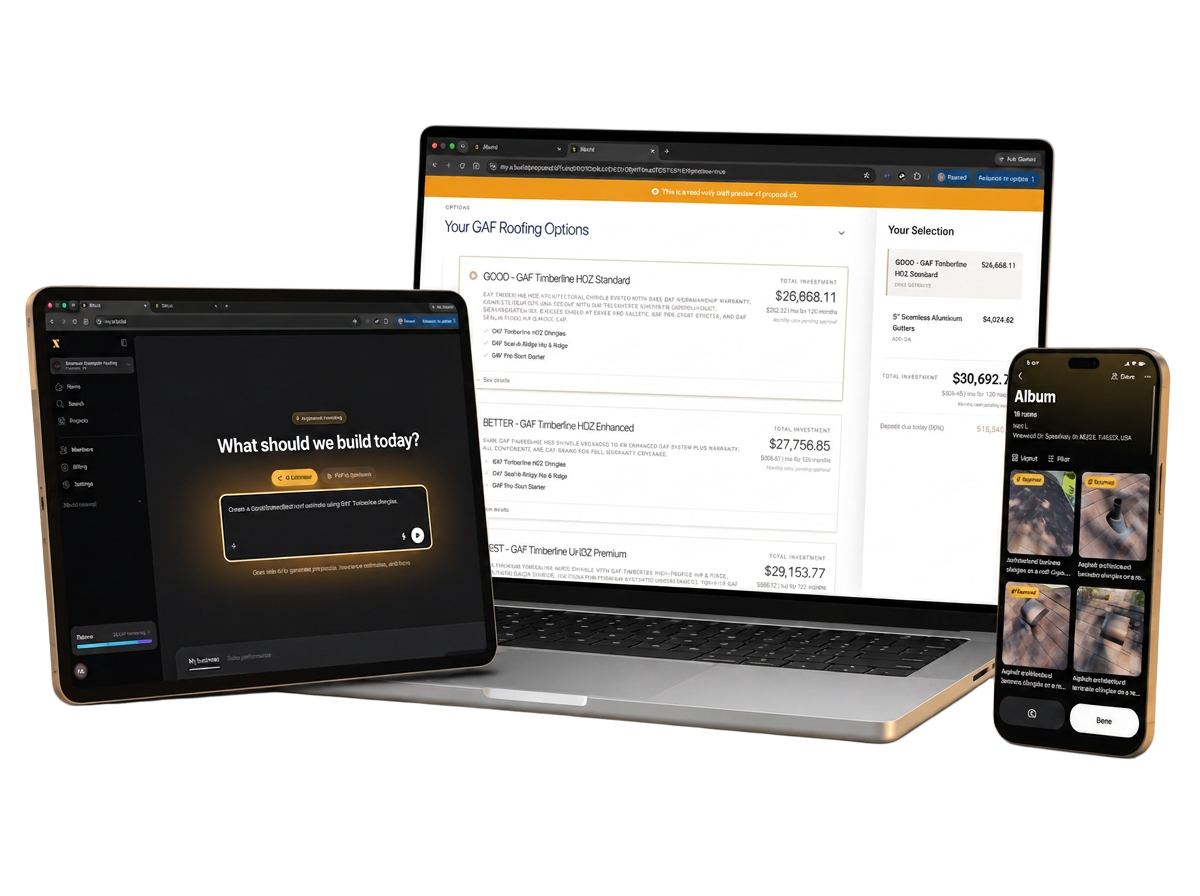
XBuild is a powerful AI-driven platform built specifically to help roofing contractors generate fast, accurate insurance estimates for insurance claims. Whether you're overwhelmed with claims or don't have an in-house estimator, XBuild is here to make your job easier.
Our platform eliminates the need for subscriptions or contracts. You simply pay only when you need a report. With the ability to generate as many estimates as your business requires, XBuild gives you the flexibility to scale without overhead.
By using XBuild, contractors save time, money, and headaches, all while submitting professional, detailed insurance estimates backed by the industry-standard insurance estimate software.
📄 What Does the XBuild Report Include?
Each report includes:
- Labeled photos for documentation
- Weather data from the date of loss
- Building codes relevant to the location
- A cover page and a summary page
🛠️ Can You Create Interior Estimates?
Yes, we can! However, to ensure accuracy, we require detailed information about the scope of work at the time of submission.
Pro Tip: Be as specific as possible. For example:
"Replace 2 sheets of drywall on the ceiling. Paint the ceiling, crown molding, and all 4 walls."
📏 What Should I Include in My Measurement Report?
Include all measurements needed to complete the estimate. For roofing and siding jobs, make sure both roof and siding measurements are included when submitting.
✅ Are You Certified to Write insurance estimates?
Absolutely. Our team is certified and experienced in writing professional insurance estimates.
📐 Do You Accept RoofR, Hover, or GAF Reports?
Yes, we accept any third party measurement report you provide, please give us the PDF version of the report and our system can read it.
📞 Can I Speak to Someone Before Submitting a Claim?
Yes! Reach out through our in-app support chat and our team will assist you.
💸 When Is Payment Due for Supplement Services?
You'll receive an invoice upon approval, and you'll have 30 days to pay. The invoice will appear in your XBuild dashboard and will also be emailed to you.
🖼️ What Kind of Photos Does the AI Need?
Please refer to our Photo Guide to make sure you're capturing everything the AI needs to process your estimate accurately.
💰 Does XBuild Handle Depreciation?
No. Depreciation is set by the insurance carrier and is based on the homeowner's policy. Our role is to provide the estimate only, not to assess material age or apply depreciation.
🧑💼 Does XBuild Talk to the Carrier As Themselves or As My Company?
We represent ourselves as your claims department. Emails are signed with your company name, e.g., "ABC Roofing Claims Department", to maintain continuity with the adjuster and avoid 3rd-party complications.
🤷 What If I Don't Understand the Submission Form Questions?
No problem! Use our in-app support chat and we'll walk you through it.
📜 Do Manufacturer Codes Supersede Policy Code?
Generally, no. However, if the homeowner has purchased Ordinance & Law (Code) Coverage, then building codes, including manufacturer installation instructions, may apply. Contractors should have this discussion with homeowners before construction begins.
🏗️ Will Your Software Add Local Codes for My State or County?
Yes. Our software pulls State and County/City codes and includes screenshots (if available) from the appropriate website.
🛠️ How Do I Tell the Software What I Want to Supplement?
After uploading your adjuster's estimate or loss summary, our AI will:
- Detect trades involved
- Prompt you to either "copy" or "supplement"
- Give you the option to add additional instructions
You can input anything specific or unusual you want adjusted.
¿Listo para Probar XBuild?
Obtén tu primer presupuesto con IA en 15 minutos. Sin tarjeta de crédito requerida.
Prueba XBuild gratis